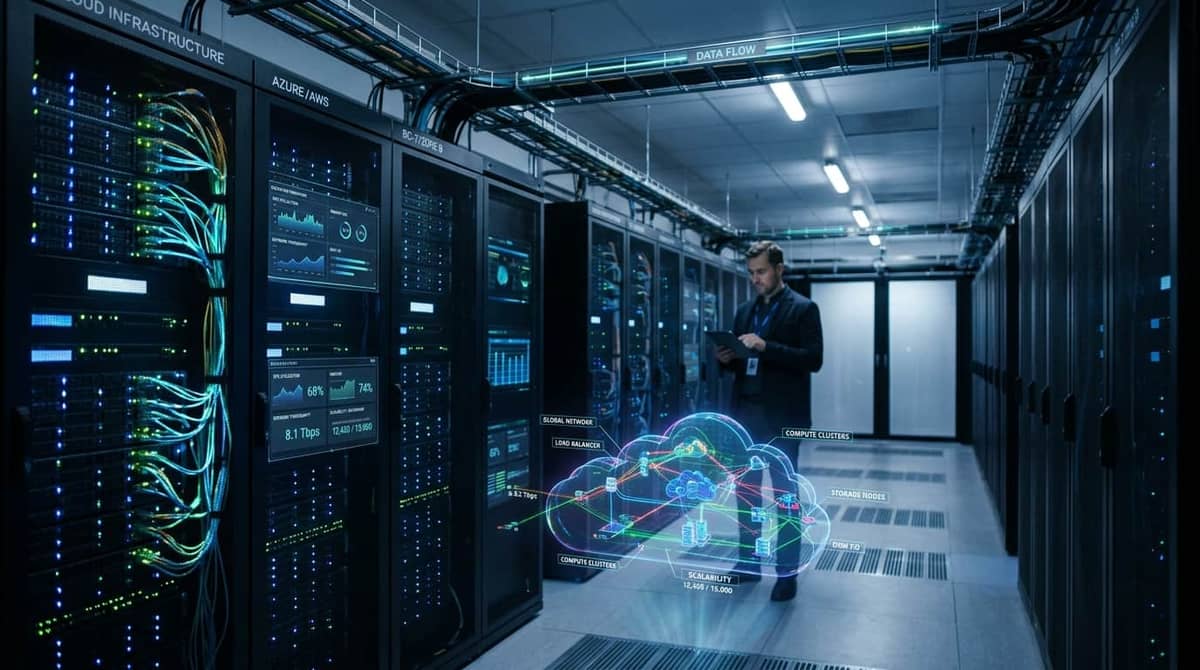
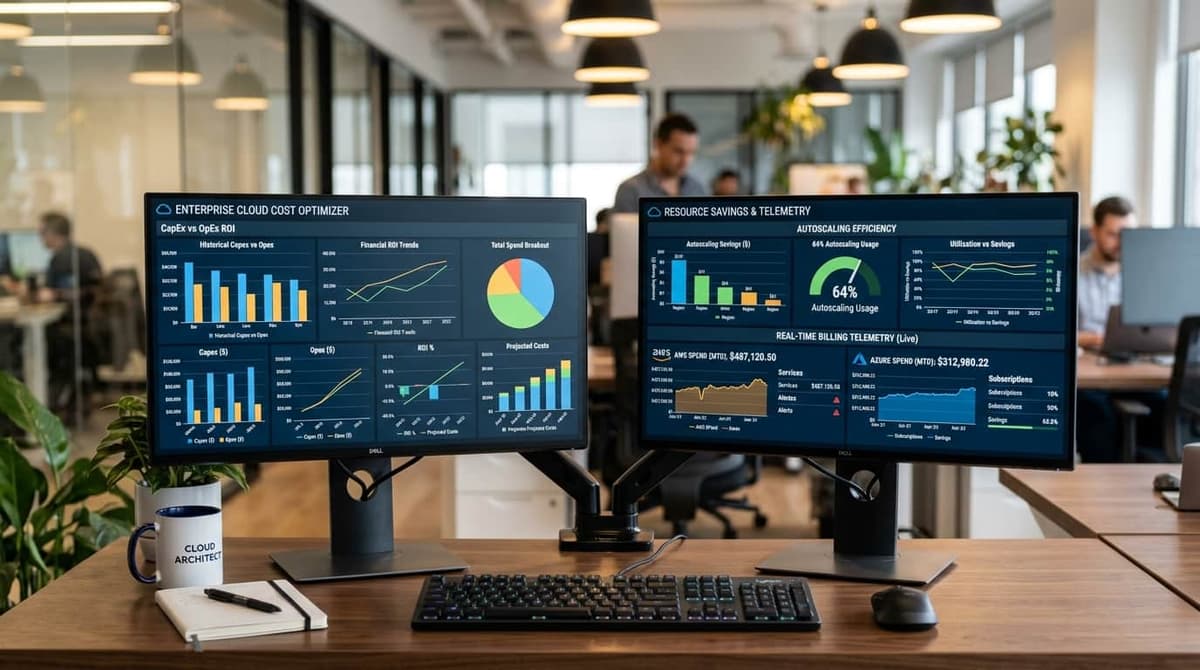
The primary benefits of cloud computing stem from the shift in operational control from hardware procurement to software-defined infrastructure. Engineering teams move away from managing physical racks and power cooling toward managing APIs and declarative configuration files. This transition changes the financial model from capital expenditure (CapEx) to operational expenditure (OpEx), allowing for granular cost tracking and the ability to scale resources based on real-time traffic patterns rather than peak-load capacity planning.
Quick Decision Matrix
Cloud adoption requires balancing cost, latency, and operational overhead. Use this matrix to align your architectural strategy with business requirements for availability and budget.
Financial Modeling: CapEx to OpEx
Traditional infrastructure requires large upfront investments in servers, networking gear, and data center space. This creates a rigid cost structure where you pay for maximum capacity regardless of utilization. Cloud computing shifts this to a pay-as-you-go model. To calculate the financial impact, use the Total Cost of Ownership (TCO) formula:
TCO = (Hardware + Power + Cooling + Real Estate + Staffing) - (Cloud Subscription + Egress Fees + Management Overhead)
When moving to the cloud, you must account for egress bandwidth costs, which are often overlooked. If your application transfers large datasets between regions or out to the internet, these costs can exceed the price of the compute instances themselves. Always model your data flow before committing to a specific provider.
Architectural Scalability and Availability
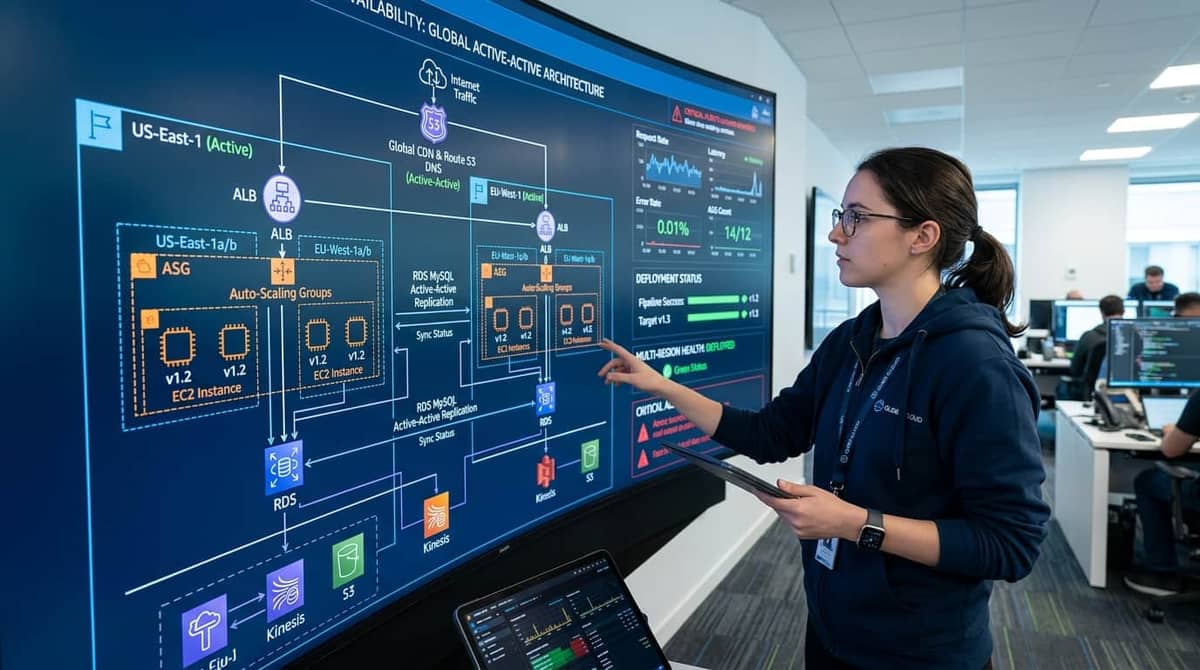
Cloud scalability is not just about adding more servers. It is about implementing auto-scaling groups that respond to CPU, memory, or custom metrics. For high availability, you must design for multi-region redundancy. This ensures that if an entire cloud region fails, your traffic can failover to a secondary region with minimal downtime.
Defining RPO and RTO
Disaster recovery depends on two metrics: Recovery Point Objective (RPO) and Recovery Time Objective (RTO). RPO defines the maximum acceptable data loss, while RTO defines the maximum acceptable downtime. Achieving low RPO/RTO requires asynchronous data replication across regions and automated DNS failover.
| Evaluation Metric | On-Premises | Public Cloud | Hybrid Cloud | FinOps Impact |
|---|
| Scalability | Manual/Slow | Automated | Partial | Variable OpEx |
| Availability | Hardware-bound | Multi-Region | Complex | High Redundancy Cost |
| Cost Model | CapEx | OpEx | Mixed | Predictable vs Elastic |
Implementation Workflow
When migrating, start with a pilot workload. Use infrastructure-as-code (IaC) to ensure your environment is reproducible. Refer to our Manual on AWS EC2 instance types and sizing steps to avoid over-provisioning your initial footprint.
- Audit current resource utilization using monitoring tools.
- Containerize applications using Docker container architecture to ensure portability.
- Configure IAM roles and security groups to enforce the principle of least privilege.
- Set up automated backups and cross-region replication.
- Establish cost alerts to monitor spend against your budget.
Operational Commands
Managing cloud resources requires proficiency with CLI tools. Below are examples for provisioning and checking status.
# Provision an AWS EC2 instance
aws ec2 run-instances --image-id ami-0abcdef1234567890 --count 1 --instance-type t3.medium --key-name MyKeyPair

# Check status of Google Cloud compute instances
gcloud compute instances list --project=my-project-id

# Verify Linux file permissions after deployment
ls -l /var/www/html
# Use chmod and chown to fix access issues as described in our Manual on
# linux file permissions chmod and chown file permissions
Troubleshooting and Pitfalls
The most common production failure is the "zombie resource" problem. This occurs when developers spin up instances or storage volumes for testing and forget to terminate them. Implement automated tagging policies to identify and delete unattached volumes.
Another frequent issue is misconfigured security groups. If your application cannot connect to a database, verify the ingress rules. Ensure that your database security group explicitly allows traffic from the application server's security group ID, rather than opening port 3306 or 5432 to the entire internet.
Frequently Asked Questions
How do I minimize data egress costs?
Keep your data and compute in the same region. Use Content Delivery Networks (CDNs) to cache static assets closer to the end user, which reduces the amount of data pulled directly from your primary storage buckets.
What is the difference between RPO and RTO?
RPO is the amount of data you can afford to lose during a failure, measured in time. RTO is the amount of time it takes to restore services after a failure occurs.
Is multi-region redundancy always necessary?
No. It adds significant cost and complexity. Only implement it if your business requirements dictate high availability that exceeds the uptime guarantees of a single region.
How does cloud migration affect security?
Cloud providers manage the physical security of the data center, but you are responsible for the security of your data, identity management, and network configuration. Use encryption at rest and in transit.
Can I switch cloud providers easily?
Vendor lock-in is a risk. Using containerization and standard database protocols makes it easier to move, but proprietary services like managed serverless databases are harder to migrate.